Best Controls and Sensitivity Settings in Traffic Rider Mod APK
Want to improve your controls and enjoy a smoother riding experience in Traffic Rider Mod APK? The right control and sensitivity settings can help you steer better, change lanes smoothly, and react quickly to traffic.
We explain the best controls and sensitivity settings, how they work in different game modes, and how to adjust them for your riding style. You also find useful gameplay tips and answers to common questions.
What are the Best Controls in Traffic Rider?
Traffic Rider Mod APK offers different control options to make steering your bike easier. You can choose the controls that feel comfortable and match your playing style.
Beginners start with simple controls and practice them before playing difficult missions. If you are more experienced, you try more responsive controls for faster riding and quick lane changes.
Tilt vs Touch Controls
Choose between tilt and touch controls based on your comfort, as both options offer different ways to steer and control your bike. Below we discuss the difference between them.
Tilt Controls
Tilt controls let you steer the motorcycle by moving your phone left or right. They feel smooth and natural once you get used to the movement. This option works well for players who enjoy motion-based controls.
Touch Controls
Touch controls let you steer the bike directly through the screen. They are simple to use and are more comfortable for players who do not want to move their phone while riding.
Which Control Method Should You Choose?
Both control methods can work well, depending on your playing style. Try each option for a few rides and choose the one that gives you better control during lane changes, overtaking, and busy traffic.
If you prefer playing on a bigger screen, explore our guide to Traffic Rider for PC to learn more about playing on Windows.
Best Sensitivity Settings
Sensitivity controls how quickly your bike responds to steering movements. The right setting makes lane changes smoother and improves control. Below we discuss the main sensitivity levels to consider.
High Sensitivity
High sensitivity makes the bike respond quickly to small movements. It is useful for fast reactions, but may feel difficult to control.
Low Sensitivity
Low sensitivity makes steering slower and more stable. It makes it easier for beginners, but quick lane changes take more effort.
Recommended Sensitivity
Start with a medium sensitivity level and test it during a few rides. Adjust it slightly until the steering feels smooth and comfortable.
Best Settings for Smooth Steering
Smooth steering helps you move between vehicles without making sudden turns. Below we discuss some simple settings and tips for smoother control.
Use Moderate Sensitivity
Start with medium sensitivity and adjust it slowly. This helps the bike respond without feeling too sensitive.
Make Small Movements
Use gentle movements when changing lanes. Large or sudden movements make the bike harder to control.
Keep Tilt Movements Steady
If you use tilt controls, hold your phone comfortably and move it smoothly. Avoid sudden movements while steering.
Along with comfortable steering, bike upgrades improve overall performance. Read our guide on how to upgrade your bike in Traffic Rider to learn more about speed, handling, and braking improvements.
Best Controls for High-Speed Riding
High-speed riding needs quick reactions and responsive controls. Below we discuss some useful tips for maintaining control at higher speeds:
Settings for Heavy Traffic
Heavy traffic requires careful steering and quick lane changes. A moderate sensitivity level can make these movements easier to control while keeping enough space from nearby vehicles. Start by practicing at lower speeds, then gradually increase your speed as you become more comfortable.
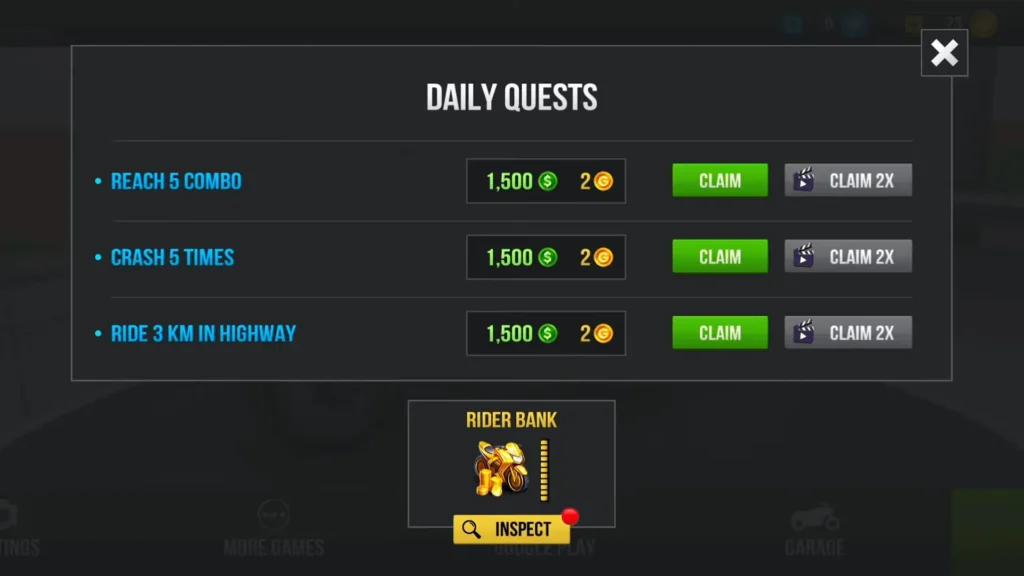
Best Controls for Career Mode
Career missions have different objectives, so choose controls that provide comfortable steering and braking. For high-speed missions, use responsive settings for quick lane changes. A balanced setup usually works well, so only adjust it when a specific mission feels difficult.
Best Controls for Endless Mode
Endless Mode requires steady control as traffic becomes harder over time. Use smooth steering with moderate sensitivity, and focus on safe overtaking and controlled braking. A comfortable setup helps you to stay in control during longer rides.
Best Controls for Time Trial
Time Trial requires speed and quick reactions to reach the required distance on time. Use responsive sensitivity for faster lane changes, but avoid making it too high. Practice accelerating, steering, and braking smoothly to maintain speed and control.
How to Stop Oversteering
Oversteering happens when the bike turns more than expected, making it harder to stay in your lane. Below we discuss some simple ways to improve steering control.
How to Improve Steering Response
If the bike feels slow during lane changes, your sensitivity may be too low. Increase it gradually and test the bike after each change. Also check your touch or motion controls and close unnecessary background apps if performance feels slow. Small adjustments helps you find a comfortable setting.
Common Sensitivity Mistakes
Many players change sensitivity too much without testing the results. Some common mistakes include:
A balanced setup is usually easier to manage than an extreme one.
Recommended Starting Setup
Start with medium sensitivity and adjust it based on your riding style. Increase it if steering feels slow and lower it if the bike turns too quickly. Focus on smooth and comfortable control.
If you’re looking to play on an Apple device, visit our guide to Traffic Rider MOD APK for iOS to learn more about the iOS version.
Traffic Rider Mod APK Control Tips
Control settings may vary between different Traffic Rider Mod APK versions. After installing or updating a build, test the controls and adjust the sensitivity before starting difficult missions.
Controls and available features differ between releases. Read our guide to Traffic Rider MOD APK old versions for information about older releases and their features.
Conclusion
The right controls and sensitivity settings make Traffic Rider Mod APK easier and more enjoyable. Start with comfortable controls and medium sensitivity, then adjust them based on your riding style. Focus on smooth steering, controlled braking, and quick reactions to handle traffic better across different game modes.